Meet Tiny

Not just
listening.
Living with you.

Tiny is an open-source desktop companion with a voice, a personality, and an optional memory. Talk, play music, wake up on time, start a game, and keep the moments that matter.

Tiny keeps growing with over-the-air updates

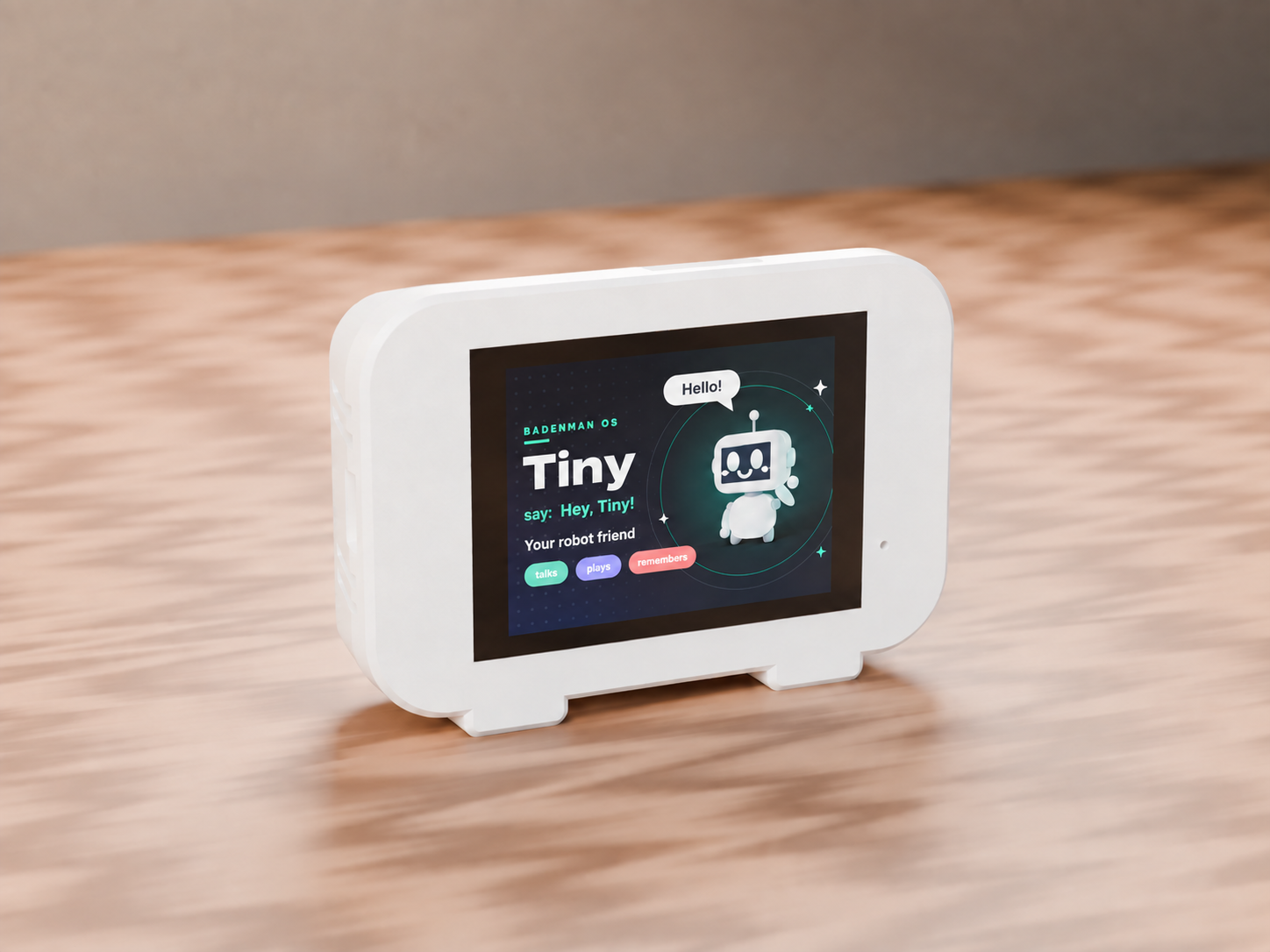
White Tiny desktop robot on a wooden table
talks plays remembers
A new chapter for Tiny

There is more behind the face.

Tiny began as an expressive robot that reacted to care. Now it is a real desktop companion: it understands speech, replies in its own voice, can remember context with your permission, and brings a set of useful apps to its touchscreen.

Two versions of Tiny

One personality.
Two ways to stay close.

Choose the shape that fits your space: a complete touchscreen companion or an expressive voice-first robot with two dedicated displays.

Tiny Touch with a full-color touchscreen
Flagship

Tiny Touch

The complete version with a full-color touchscreen. Voice, apps, and the entire BADENMAN OS are right at your fingertips.

  • 2.8-inch IPS touchscreen
  • Voice, optional memory, and on-screen apps
  • Radio, music, photos, games, and alarms
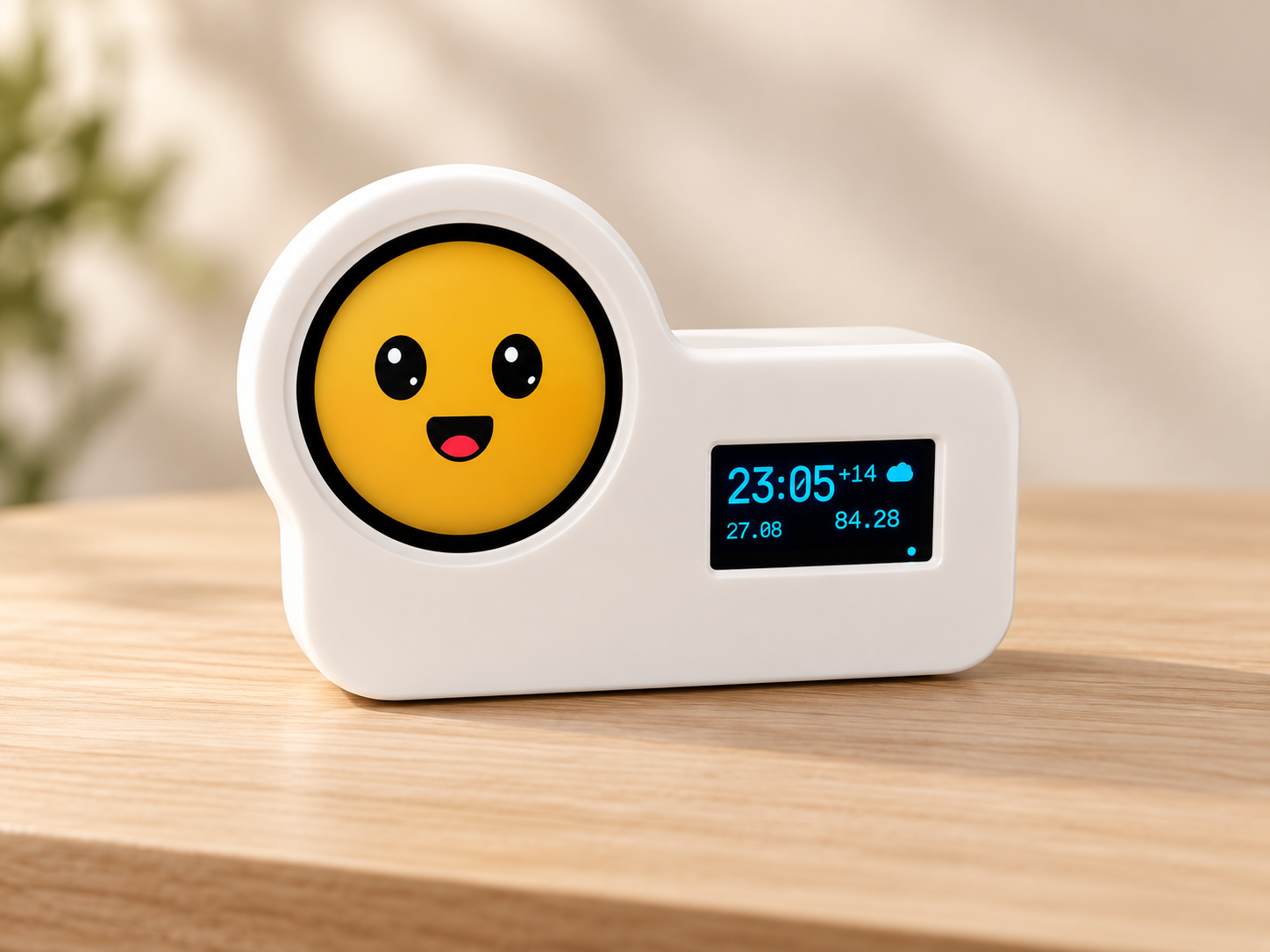
Tiny Duo with a round face display and a separate information display
Voice-first

Tiny Duo

Two non-touch displays: the round screen stays focused on Tiny's expressive face, while the second shows useful information at a glance.

  • Round display for Tiny's expressions
  • Dedicated display for time, weather, and messages
  • Natural voice interaction without touching a screen
What Tiny can do

Useful. Playful.
Different every day.

Not a pile of disconnected features, but one expressive personality that can help around the home and make you smile.

01 / CONVERSATION

Hears your question
and answers out loud

Ask about the weather, request the news, talk about your day, or simply say: “Hey, Tiny.”

02 / MEMORY

Remembers context
and important details

Only when you opt in, Tiny can remember conversation topics and pick up where you left off.

03 / EVERY DAY

Wakes you up, keeps time,
and keeps you informed

alarmtimerweathernews
04 / PLAY

Radio, music, photos,
and voice games

Riddles, guessing games, internet radio, your own tracks, and a photo frame from local storage — all available by touch or voice.

radioriddlesword gamesphoto frame
BADENMAN OS

A small system with a big personality.

Our purpose-built interface turns Tiny into a friendly desktop hub. No maze of menus: large tiles, expressive states, and familiar gestures.

2.8-inch touchscreen
Wi-Fi setup directly on the robot
Over-the-air software updates
Robot, cat, dog, or bunny face
Tiny12:42 · Wi‑Fi
Talk
Radio
Weather
?Games
07:30Alarm
Settings
How it works

From the box to your first
“Hello” in three steps.

01

Connect to Wi‑Fi

Tiny shows nearby networks and an on-screen keyboard. No phone is required.

02

Pair your robot

Enter the short code at heytinybot.com, then choose a name, personality, and the features you want enabled.

03

Say “Hey, Tiny”

Start a conversation, play radio, or set an alarm. Tiny will keep getting better with every update.

Private by default

Tiny lives in your home.
You set the rules.

Voice features and conversational memory are separate opt-ins. You can disable listening and memory from your account or directly on the robot.

Raw conversation audio is not retained
Text memory requires explicit opt-in
The memory key is created on the device
The microphone is never enabled silently
Tiny is awake

Technology can feel personal without taking over your privacy.

Create a Tiny account to pair your robot, choose its personality, and control every connected feature.

International access Read the terms